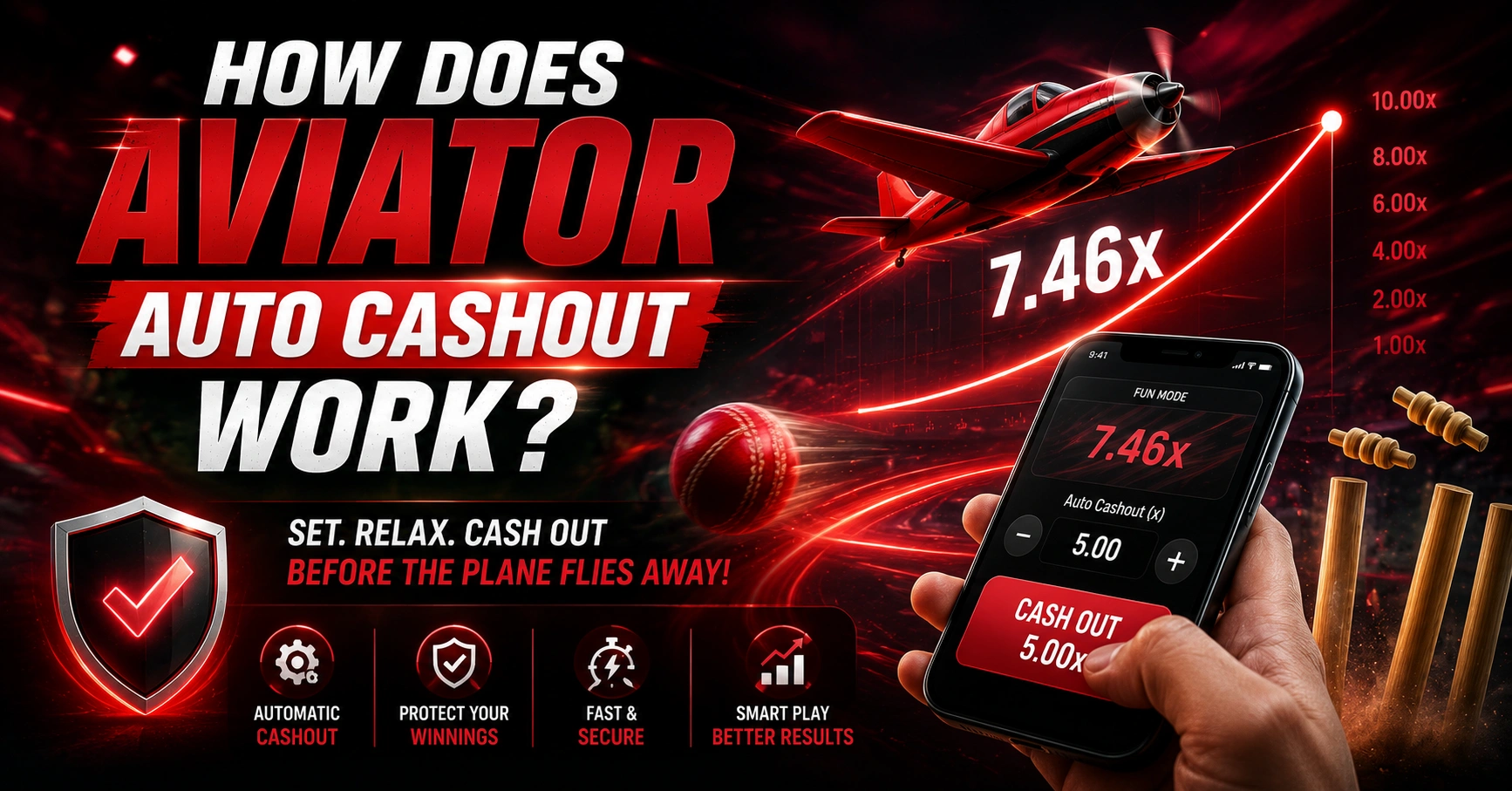
Aviator Auto Cashout is a feature that lets players set a target multiplier before a round starts. When the round reaches the selected multiplier, the bet can be automatically cashed out instead of requiring the player to press the cashout button manually.
This guide explains how Aviator Auto Cashout works, how to set it up, what happens when the target is reached, and how Auto Cashout differs from manual cashout and Auto Bet.
Important: Auto Cashout does not guarantee that a particular multiplier will be reached. A round can end before the configured target.
What Is Aviator Auto Cashout?
Aviator Auto Cashout is an automated cashout feature within the Aviator game interface.
With a manual cashout, the player decides when to cash out during the round. With Auto Cashout, the player enters a target multiplier in advance. If the round reaches that multiplier, the cashout is triggered automatically according to the game’s rules.
For example, if Auto Cashout is configured at 2.00x and the round reaches 2.00x before ending, the bet is automatically cashed out at the configured target.
The important point is that Auto Cashout controls when a bet exits the round. It does not control or predict the round’s crash point.
How Does Aviator Auto Cashout Work?
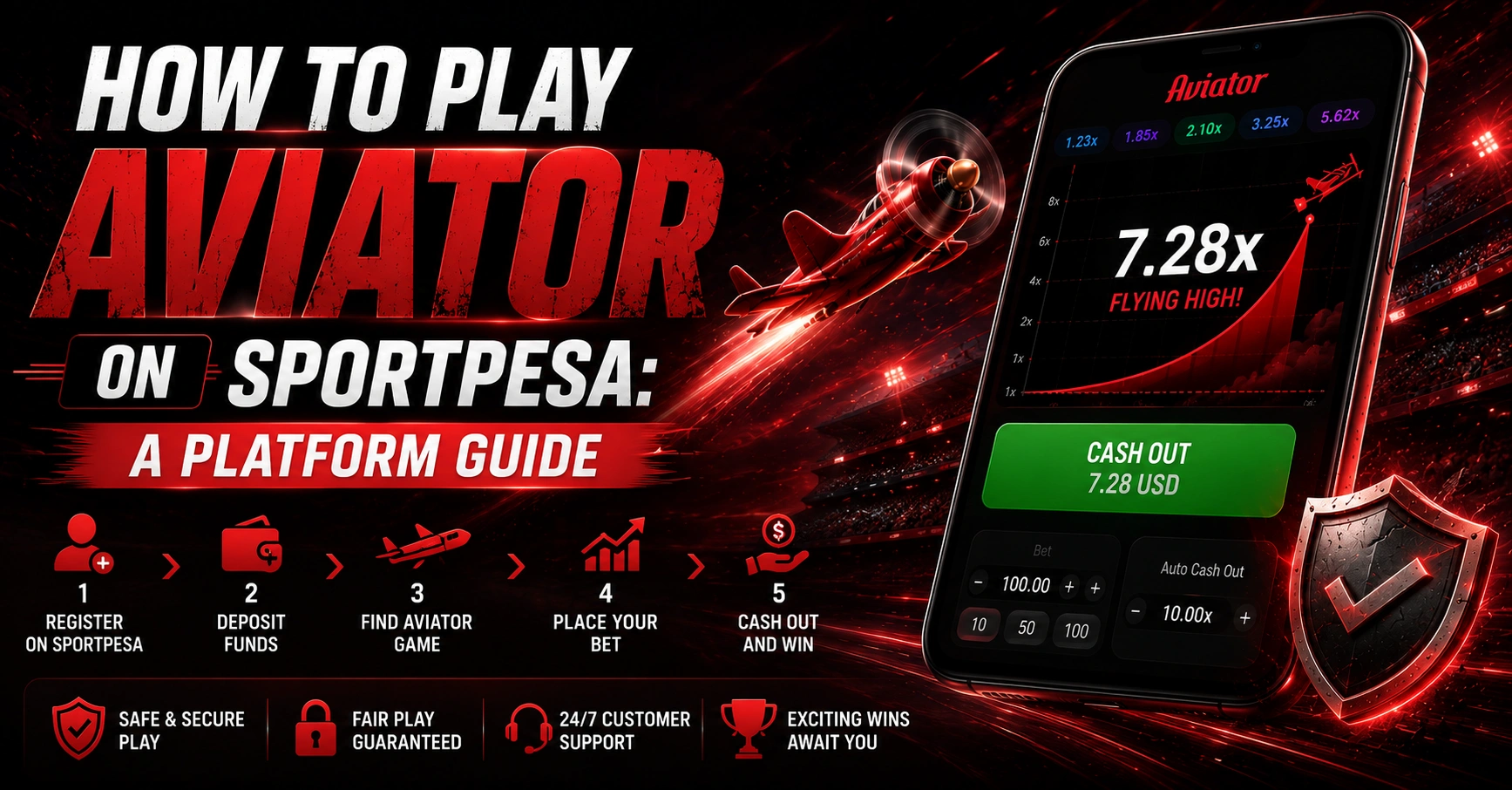
The process is straightforward:
- Open the Aviator game interface.
- Go to the betting panel.
- Enable the Auto Cashout option.
- Enter your desired multiplier.
- Confirm or save the setting.
- Place your bet.
- Watch the multiplier increase during the round.
- If the configured target is reached, Auto Cashout is triggered.
For example, suppose you set the Auto Cashout target to 2.50x.
If the round progresses from 1.00x to 2.50x, the configured cashout condition is reached. If the round ends at 1.80x, the 2.50x target was never reached.
The exact appearance of the controls can vary between platforms and interfaces, so always check the instructions shown on the platform you are using.
How to Set Aviator Auto Cashout
Although the interface can differ between implementations, the general process is:
Step 1: Open Aviator
Open the Aviator game and locate the betting panel.
Step 2: Find the Auto Cashout Setting
Look for the Auto Cashout or automatic cashout control in the betting section.
Step 3: Enter a Multiplier
Choose the multiplier at which you want the automatic cashout condition to apply.
For example:
- 1.50x
- 2.00x
- 2.50x
- 3.00x
These are examples only and do not represent recommended targets.
Step 4: Confirm the Setting
Make sure the Auto Cashout setting is enabled and the target has been applied before placing the bet.
Step 5: Place the Bet
Once the bet is placed, the configured Auto Cashout setting can be applied to that round.
Step 6: Wait for the Round
The multiplier rises during the round. If the configured target is reached before the round ends, the automatic cashout condition is triggered.
Example of Aviator Auto Cashout
Let’s use a simple example.
Imagine a player places a ₹100 bet and sets Auto Cashout at 2.00x.
| Example | Value |
|---|---|
| Bet amount | ₹100 |
| Auto Cashout target | 2.00x |
| Target reached | 2.00x |
| Illustrative gross return | ₹200 |
This is only a mathematical example. It is not a prediction or guarantee of a winning round.
If the round ends before reaching 2.00x, the Auto Cashout target is not reached.
What Happens When the Auto Cashout Target Is Reached?
When the active multiplier reaches the configured Auto Cashout target, the automatic cashout condition is triggered.
For example:
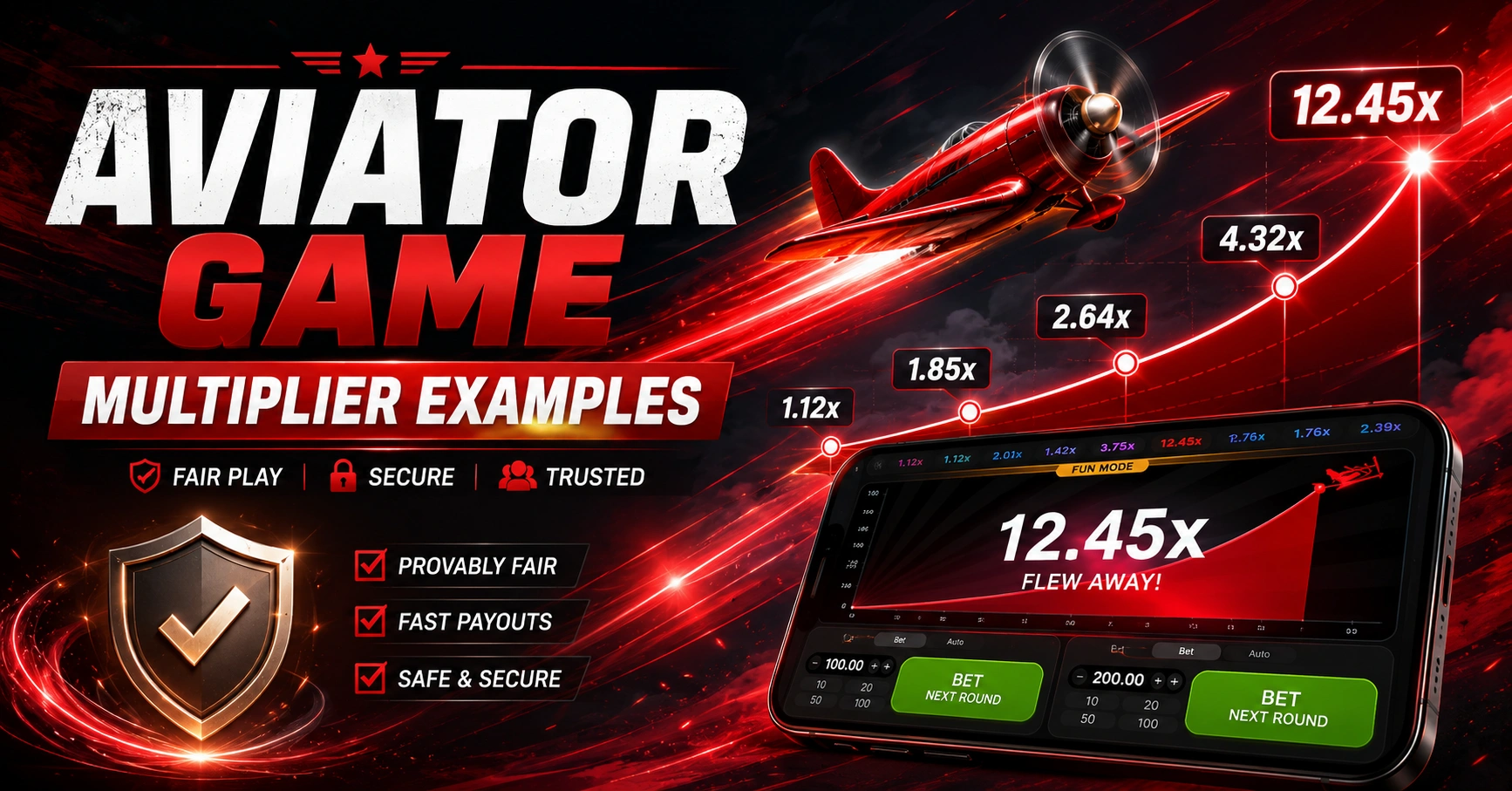
1.00x → 1.25x → 1.50x → 1.75x → 2.00x
If the target was configured at 2.00x, the automatic cashout occurs when that target is reached, subject to the game’s rules and the platform’s implementation.
The cashout coefficient is used to determine the return associated with the bet.
What If the Round Ends Before Auto Cashout?
This is one of the most important things to understand about Auto Cashout.
Auto Cashout does not guarantee that your selected target will be reached.
Suppose you configure:
Auto Cashout = 5.00x
If the round ends at 3.20x, the multiplier never reaches your 5.00x target. Therefore, the automatic cashout condition cannot be triggered.
This is why setting a higher multiplier should not be treated as a guaranteed way to obtain a higher return.
Auto Cashout vs Manual Cashout
The main difference is who initiates the cashout.
| Feature | Manual Cashout | Auto Cashout |
|---|---|---|
| Cashout action | Player presses cashout | Configured automatically |
| Target | Decided during the round | Set before the round |
| Timing | Requires player action | Based on configured multiplier |
| Automation | No | Yes |
| Multiplier target | Not necessarily predetermined | Predetermined |
With manual cashout, the player watches the multiplier and chooses when to exit.
With Auto Cashout, the target is configured in advance and the system handles the cashout condition when that target is reached.
Auto Cashout vs Auto Bet
Auto Cashout and Auto Bet are different features and should not be confused.
Auto Bet
Auto Bet is designed to automate the placement of bets according to the available settings.
Auto Cashout
Auto Cashout is designed to automate the cashout of an active bet when the configured multiplier is reached.
In simple terms:
Auto Bet = automatically places a bet
Auto Cashout = automatically cashes out a bet
Depending on the interface, these options may appear together in the same betting panel.
Does Auto Cashout Predict the Crash Point?
No.
Auto Cashout is not a prediction tool.
If you set an automatic cashout target of 2.00x, you are simply configuring an exit condition. It does not mean the round is expected to reach 2.00x.
Likewise, setting 5.00x does not mean that the aircraft will reach 5.00x.
The round’s result is separate from the player’s chosen Auto Cashout setting.
Does Auto Cashout Change the Crash Point?
Auto Cashout is a betting feature rather than a mechanism for determining the round’s crash point.
The automatic cashout setting tells the system what multiplier should trigger the configured cashout condition. It does not give the player control over the underlying round result.
This distinction is important because Auto Cashout should not be confused with a prediction, hack, predictor, or method of changing the game’s result.
Can Auto Cashout Guarantee a Win?
No.
There is no Auto Cashout setting that guarantees a winning result.
For example, selecting:
- 1.50x
- 2.00x
- 3.00x
- 5.00x
does not guarantee that the corresponding multiplier will be reached in a particular round.
Auto Cashout only automates the cashout condition at the multiplier you configure.
Players should understand the game’s risks and only participate within their personal limits.
Is Auto Cashout Better Than Manual Cashout?
There is no universal answer.
Auto Cashout and manual cashout serve different purposes.
Auto Cashout can be useful when a player wants to configure a specific exit multiplier in advance and avoid relying on a manual button press at that moment.
Manual Cashout gives the player control over when to attempt a cashout during the round.
Neither option guarantees a particular result.
The choice depends on the player’s preferred way of interacting with the game.
Is Auto Cashout Better Than Manual Cashout?
There is no universal answer.
Auto Cashout and manual cashout serve different purposes.
Auto Cashout can be useful when a player wants to configure a specific exit multiplier in advance and avoid relying on a manual button press at that moment.
Manual Cashout gives the player control over when to attempt a cashout during the round.
Neither option guarantees a particular result.
The choice depends on the player’s preferred way of interacting with the game.
Common Aviator Auto Cashout Mistakes
Setting a Target Without Checking the Setting
Always make sure the Auto Cashout option is enabled and the intended target has been applied before starting the round.
Confusing Auto Bet With Auto Cashout
Auto Bet and Auto Cashout perform different functions. One concerns placing bets, while the other concerns the cashout condition.
Assuming a Higher Multiplier Is Guaranteed
A higher target does not mean the round will reach that target.
Treating Auto Cashout as a Predictor
Auto Cashout does not predict future multiplier movements or the round's ending point.
Ignoring the Rules
Always check the current game and platform rules, including how automatic settings operate and how connection or technical interruptions are handled.
What If Aviator Auto Cashout Does Not Trigger?
If an expected automatic cashout does not occur, first check the basic conditions:
- Was Auto Cashout enabled?
- Was the target multiplier entered correctly?
- Was the setting saved or applied?
- Did the round reach the selected target?
- Did the round end before reaching the target?
- Is the current platform using a different interface?
- Is there a technical or connection issue?
- Can the round and bet history confirm what happened?
If there is a dispute about a transaction or game result, use the platform’s official support and provide the relevant round or transaction information.
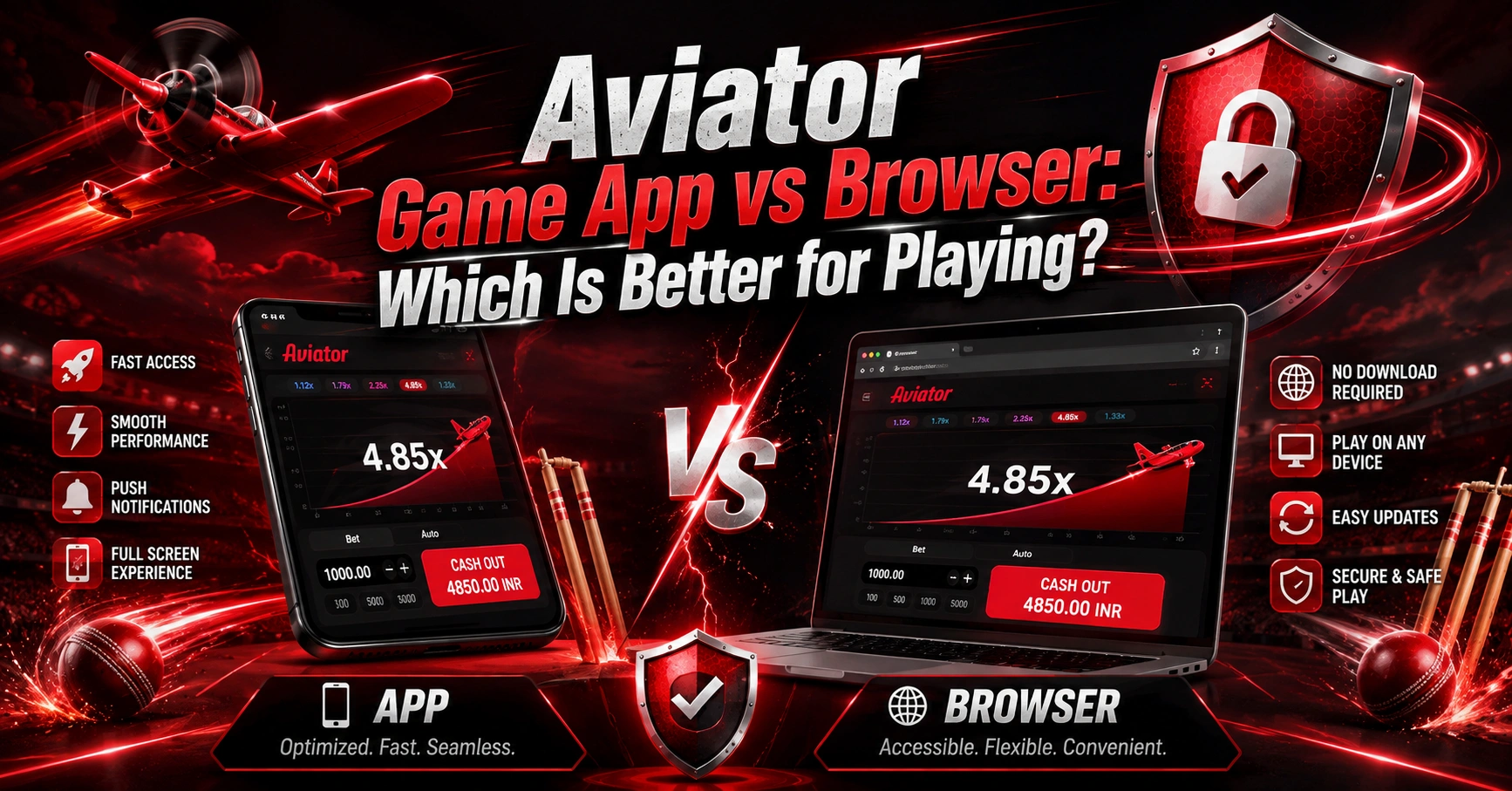
Does Auto Cashout Work on Mobile?
Auto Cashout can be available through mobile interfaces where the feature is supported.
The layout may be different on:
- Android
- iPhone
- Mobile browser
- Desktop browser
The important part is to check the betting panel and confirm that the Auto Cashout setting is active before placing a bet.
Avoid assuming that every website or interface has identical controls.
Aviator Auto Cashout and Responsible Gaming
Auto Cashout is an automation feature, not a risk-management guarantee.
A player can still lose a bet if the round ends before the configured target is reached.
For responsible play:
- Set a personal spending limit.
- Avoid chasing losses.
- Don’t increase stakes simply because previous rounds ended early.
- Don’t treat multiplier patterns as guaranteed predictions.
- Take breaks from gaming.
- Never use money needed for essential expenses.
- Stop playing if gaming is becoming difficult to control.
Automation can make a process easier, but it does not remove the financial risk associated with real-money gaming.
Frequently Asked Questions About Aviator Auto Cashout
Aviator Auto Cashout is a feature that automatically applies a cashout condition when the configured multiplier is reached during a round.
Enable the Auto Cashout option in the betting panel, enter a target multiplier, confirm the setting, and place the bet. The exact controls may vary by platform.
No. Auto Cashout does not guarantee that the selected multiplier will be reached. It only automates the cashout condition configured by the player.
If the round ends before reaching the configured target, the Auto Cashout condition is not triggered.
No. Auto Bet concerns automated bet placement, while Auto Cashout concerns automatically applying a cashout condition to an active bet.
No. Auto Cashout is an automation feature and should not be treated as a crash-point prediction tool.
Where supported, Auto Cashout can be available through mobile versions of the game. The interface and controls can vary depending on the platform.
Final Thoughts
Aviator Auto Cashout is designed to automate the cashout process at a multiplier selected by the player. Instead of manually pressing the cashout button during the round, the player configures a target in advance.
The key distinction is simple:
Auto Cashout controls the cashout condition; it does not control or predict the round result.
Understanding the difference between Auto Cashout, Manual Cashout, and Auto Bet can help users understand how the Aviator interface works and avoid common misunderstandings.
Always review the current game rules and platform conditions before playing, and remember that real-money gaming involves financial risk.